
BodyStats, in your pocket
Your DEXA, VO2 Max and RMR results, food and training, friends and booking, all in one app. Free for everyone.
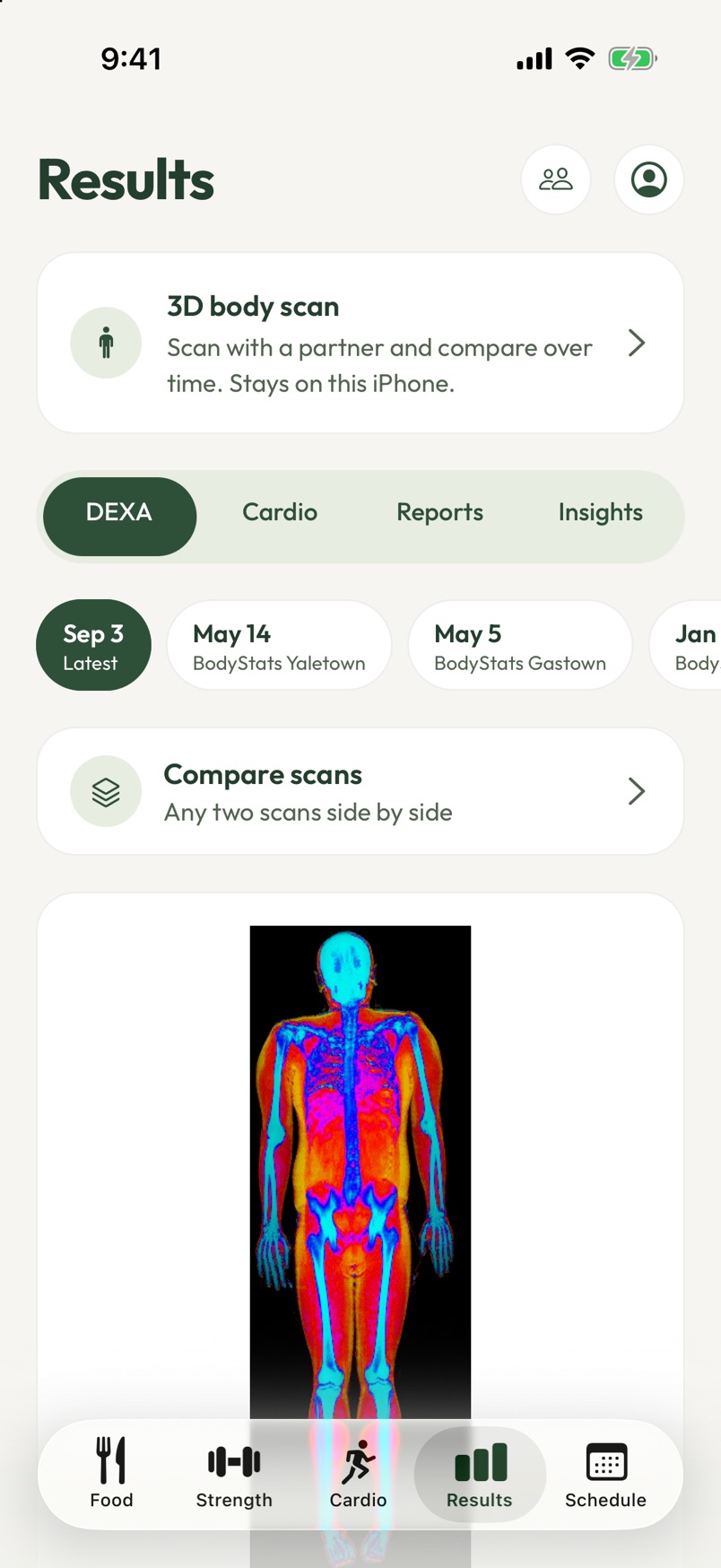
Your DEXA scan for $9.99
Book a DEXA scan in the BodyStats app this October and it's $9.99. Then see your body fat, muscle and bone, and every scan after it, right in the app.
Get the app- Get the BodyStats app. It's free, and the steps for iPhone and Android are below.
- Make your account with your email. It takes a minute.
- Go to Schedule, tap Book a test, then pick your studio and time. Pay the $9.99 right in the app.
For visits on or before October 31, 2026 at Gastown and Yaletown in Vancouver and Liberty Village in Toronto (plus HST in Toronto). Only bookable in the app. Bookings can't be rescheduled.
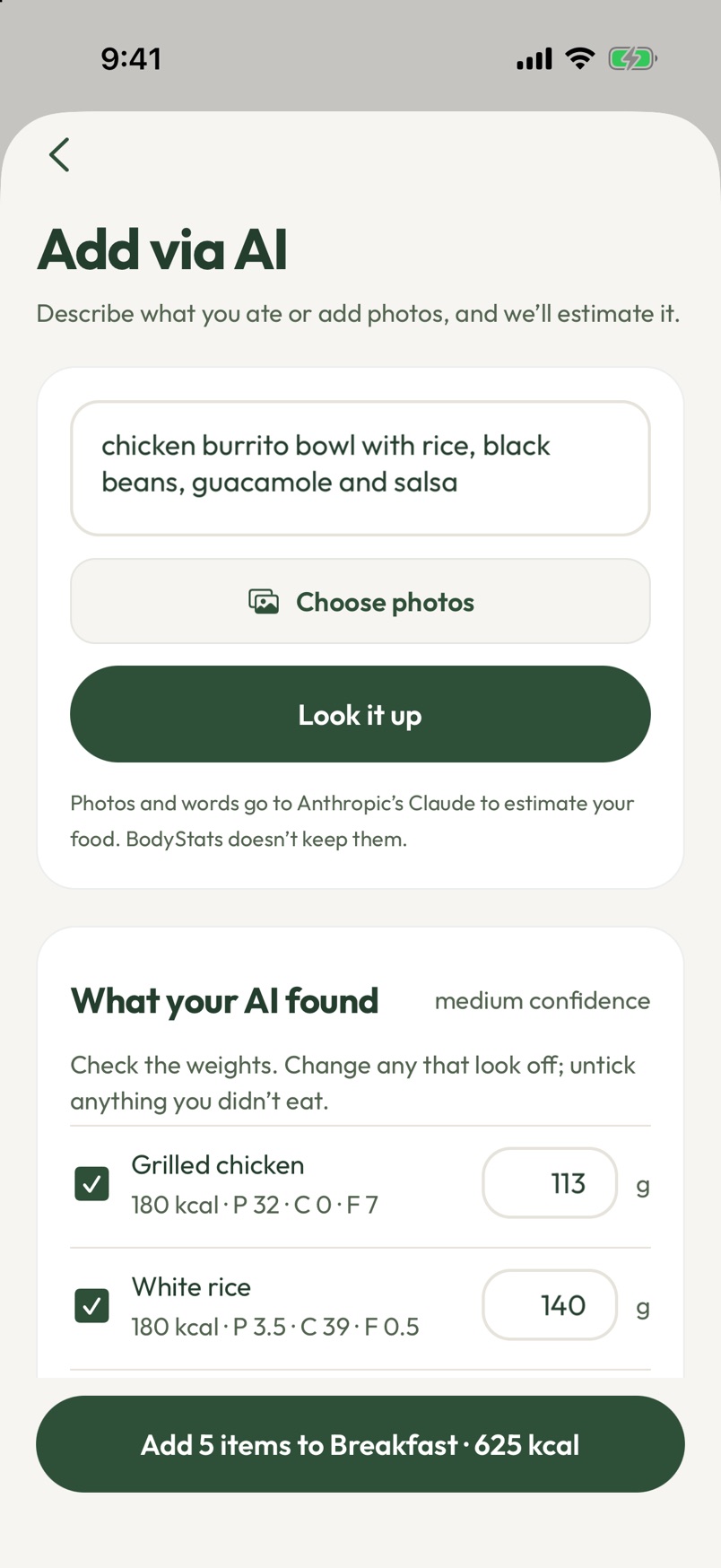
AI food lookup
Describe your meal in any language, say it out loud or snap a photo, and the AI breaks it down into foods with calories and macros in seconds, like 2 eggs or 3 dumplings. Check the amounts, tap add, done.
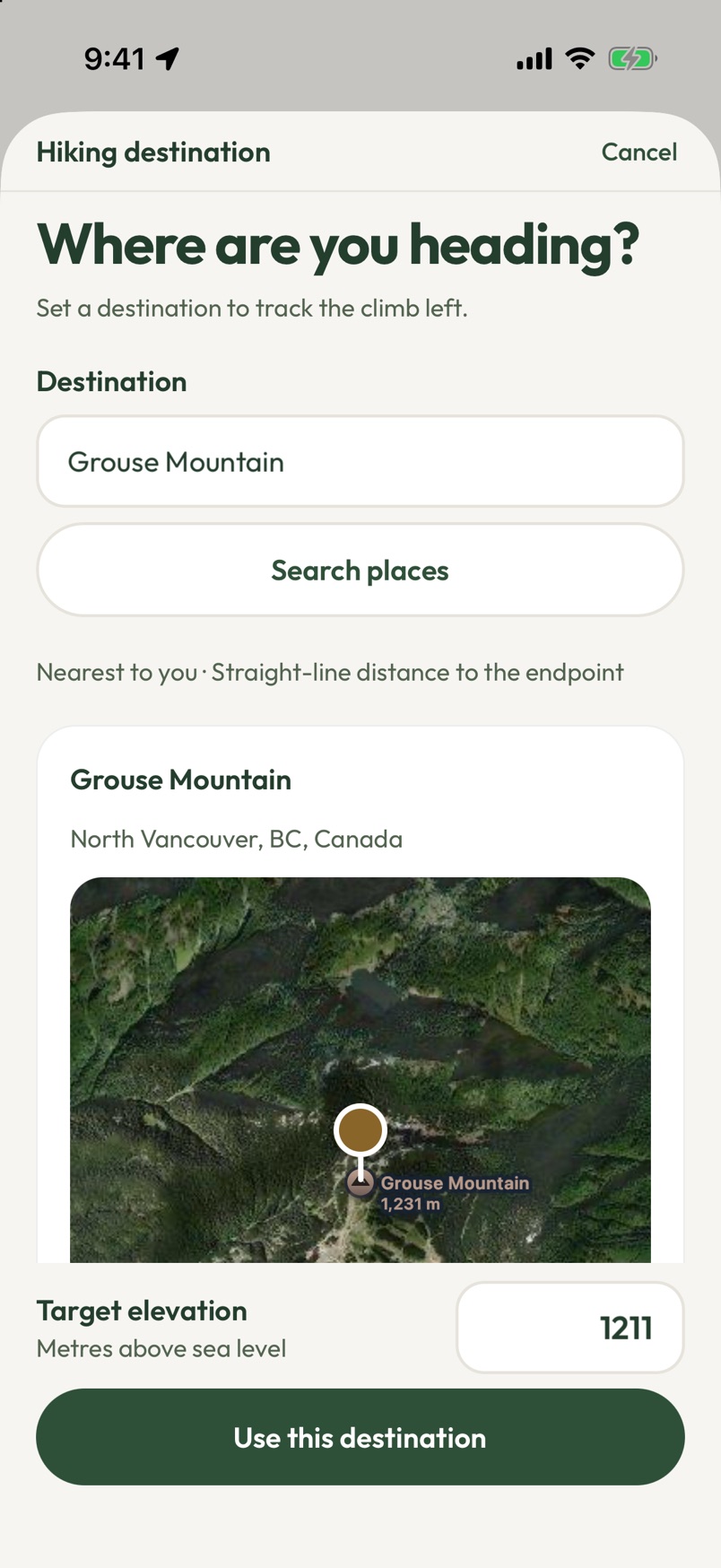
Hike by elevation
Pick a summit or lake and the app sets your target elevation, then tracks your climb rate and how much is left to the top.
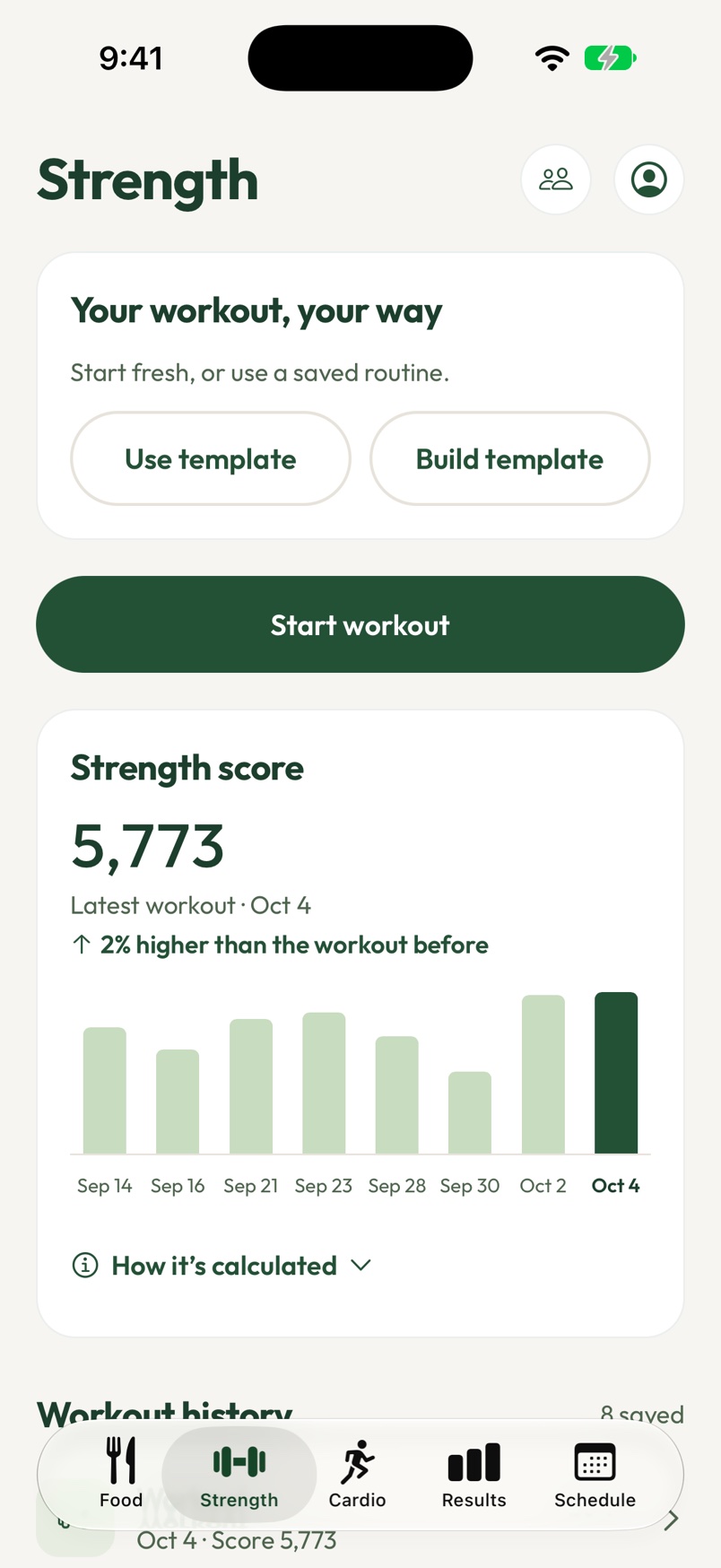
Strength score
Every workout gets a strength score: weight × reps for every set, added up. Watch it climb week over week, and see exactly how it’s calculated right in the app.
Your dashboard
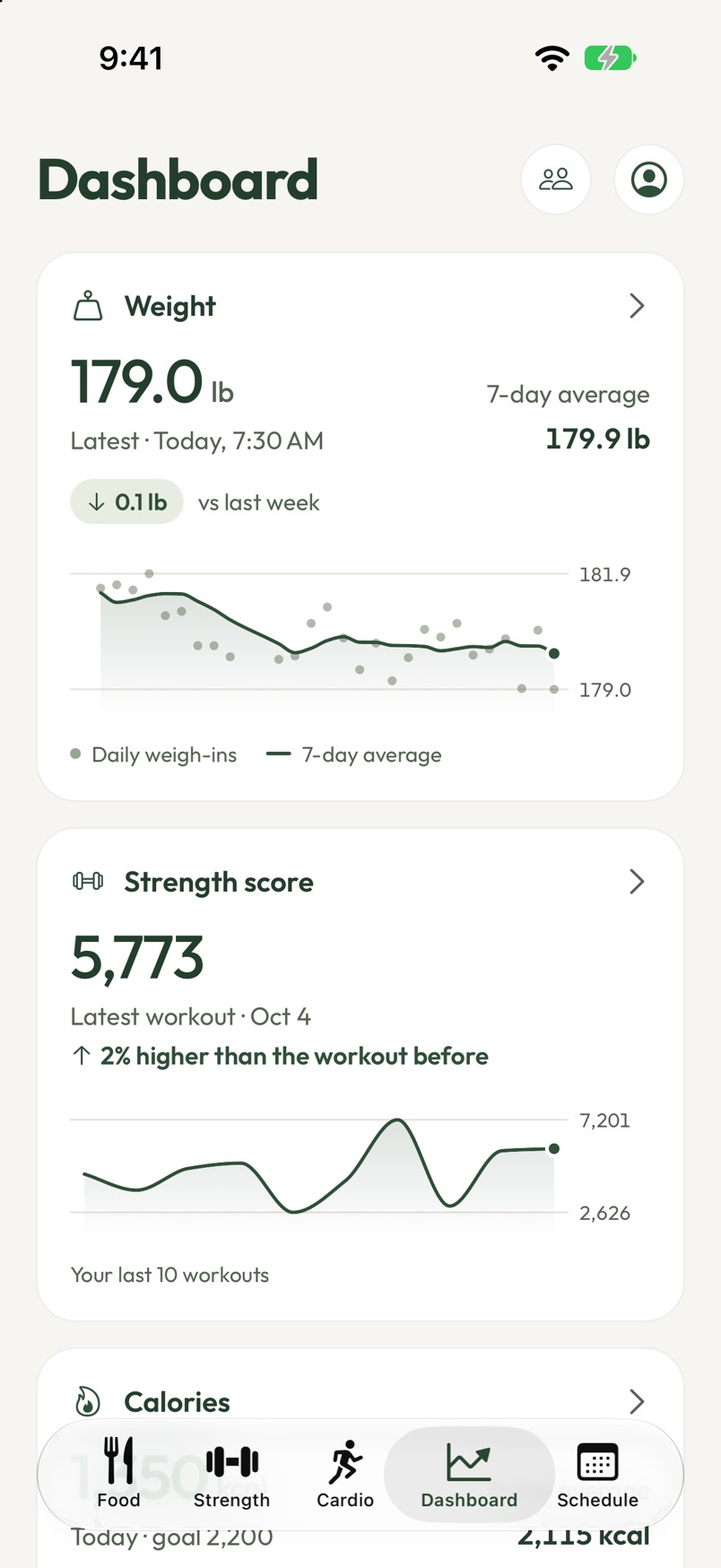
Your weight, strength scores and calories in one place, each with its own trend line. Have a smart scale like Eufy or Withings? Every weigh-in syncs in on its own, with your 7-day average and an arrow showing which way it’s heading. Hold any card to move it where you want.
Heart rate zone alerts
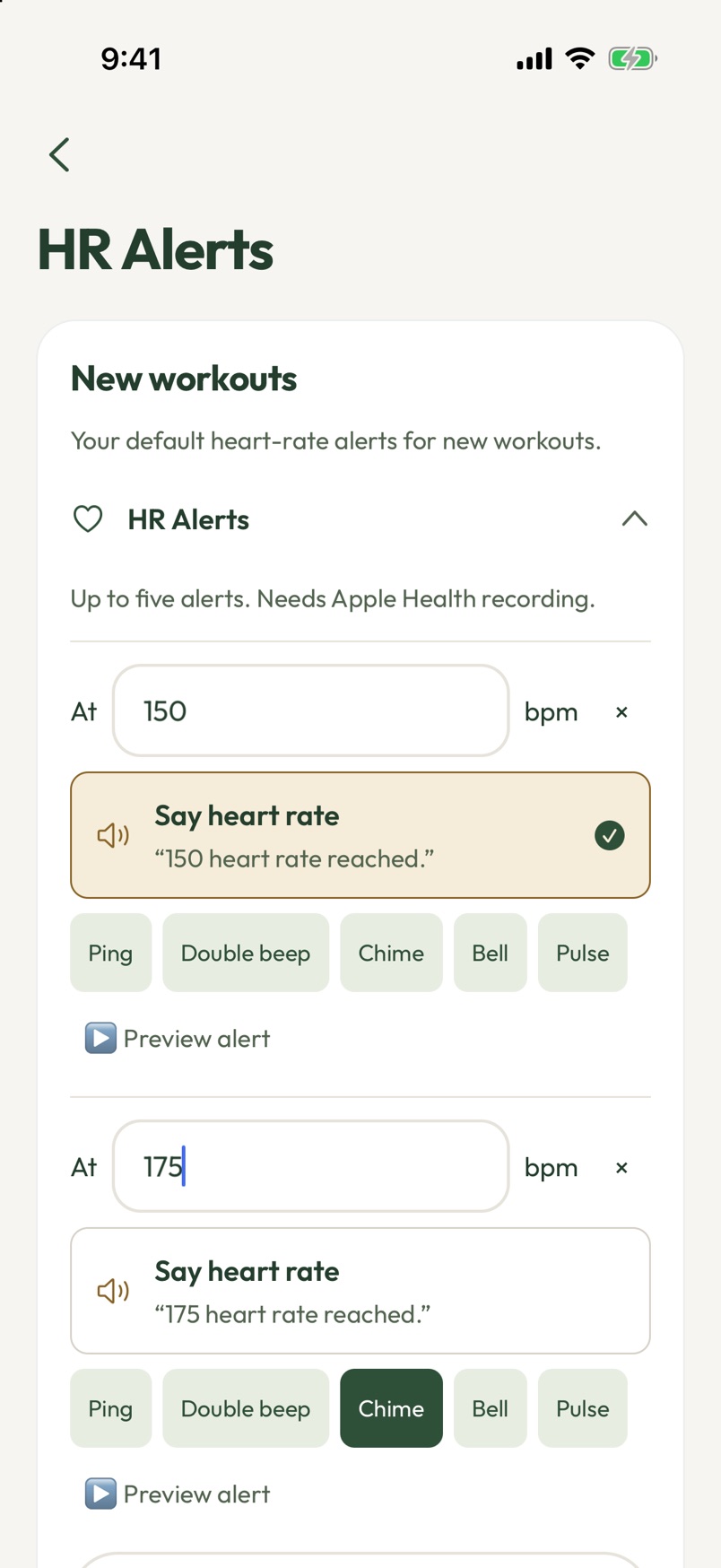
Set the heart rates you care about and hear a chime, your own recorded voice or a spoken alert the moment you cross into a zone.
AirPods Pro 3 on iPhone, or a watch that syncs to Health Connect on Android.
Heart rate from your camera
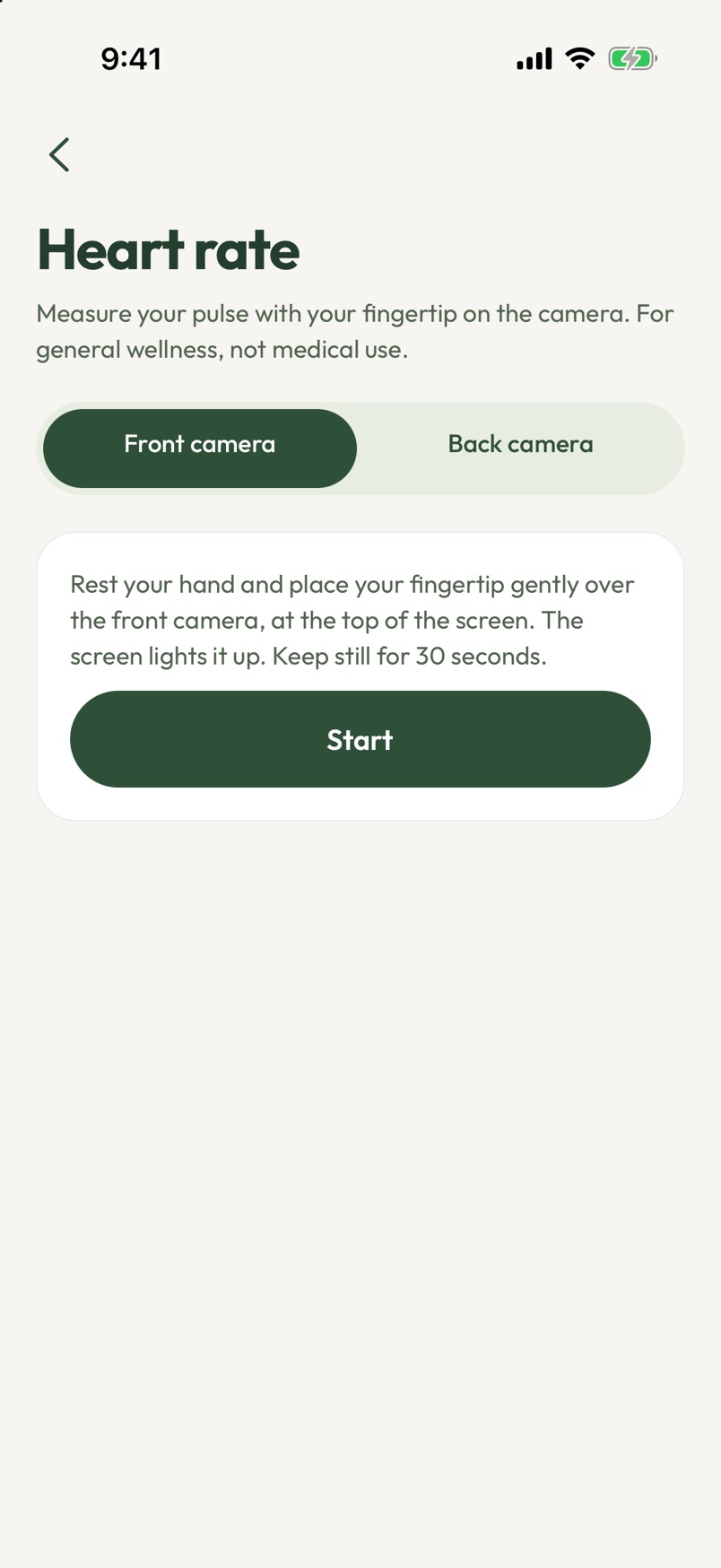
No watch needed: rest a fingertip on your phone's camera for 30 seconds to measure your pulse. On iPhone it can save to Apple Health.
Every DEXA scan, explained
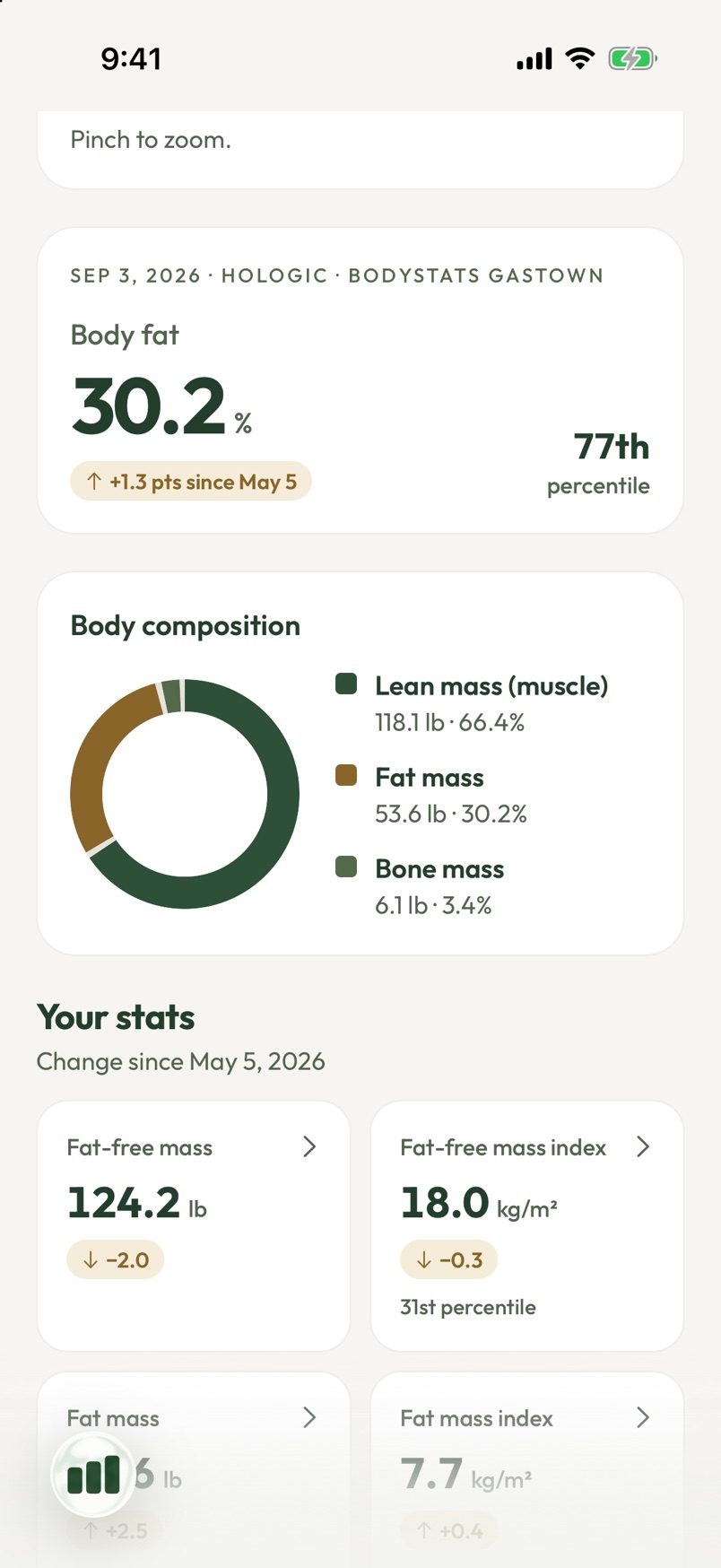
See your body fat, muscle and bone from every BodyStats scan, with how each number changed since last time and where you rank among people like you.
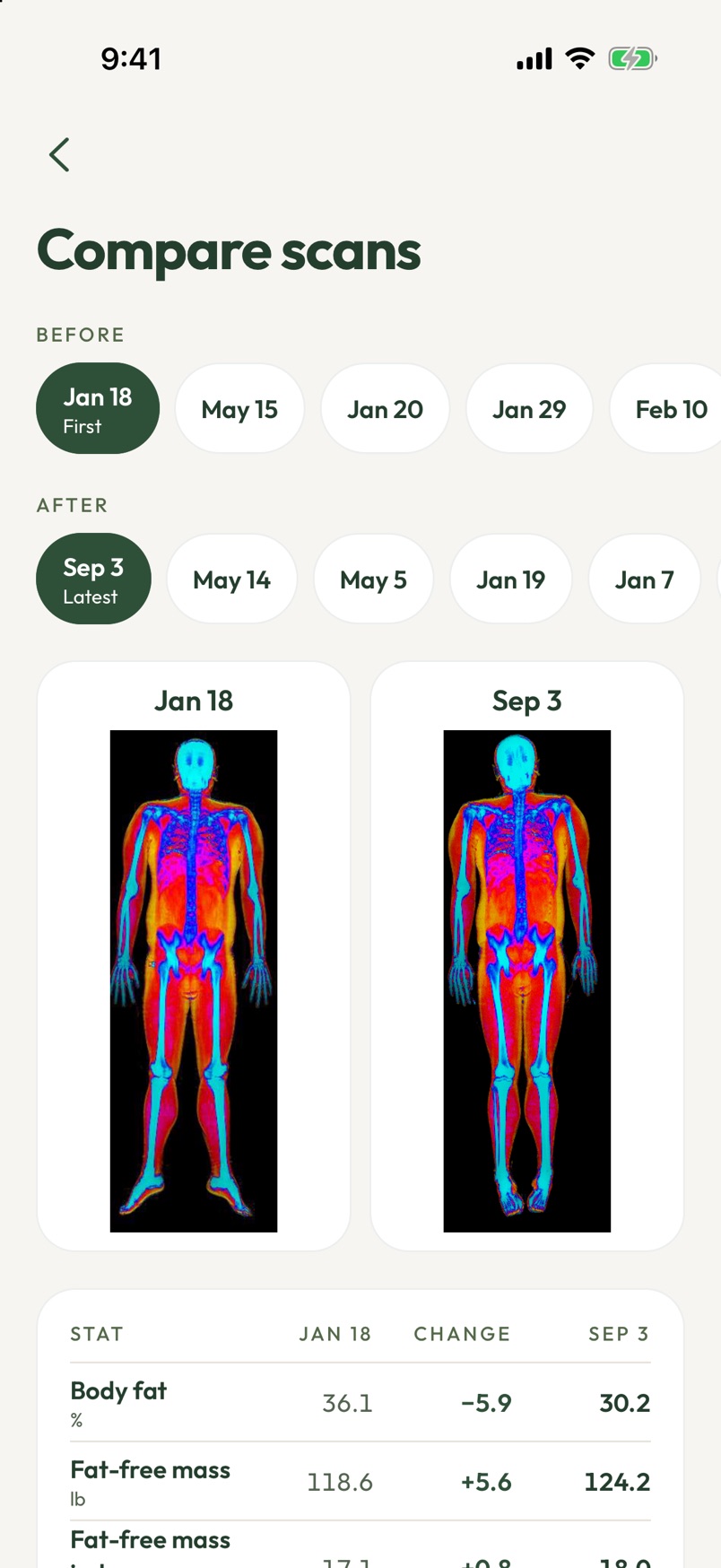
See your progress
Put any two scans side by side, images and all, and see exactly what changed in every stat.
VO2 Max and metabolism
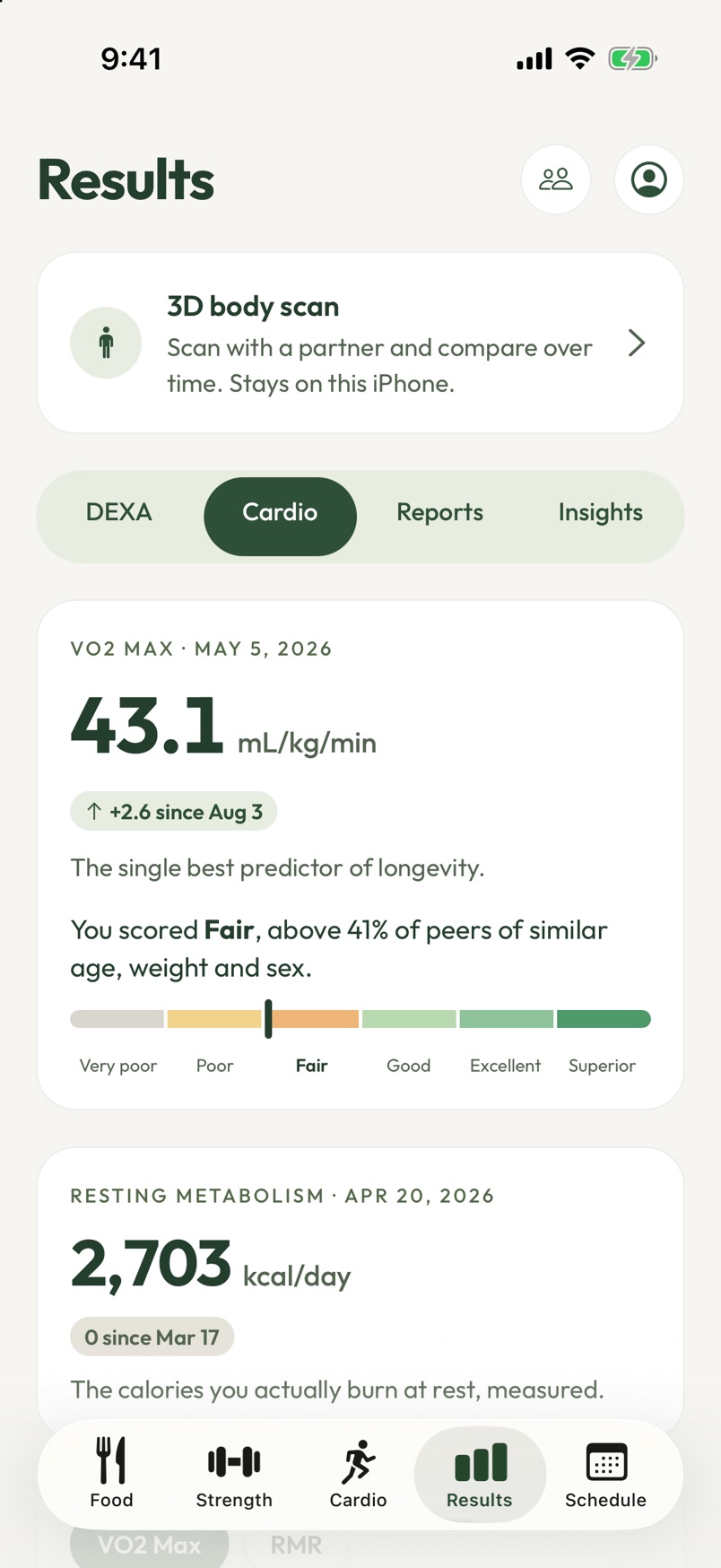
Your VO2 Max and where it ranks for your age and sex, your training zones and your resting metabolic rate, all from your BodyStats tests.
Friends
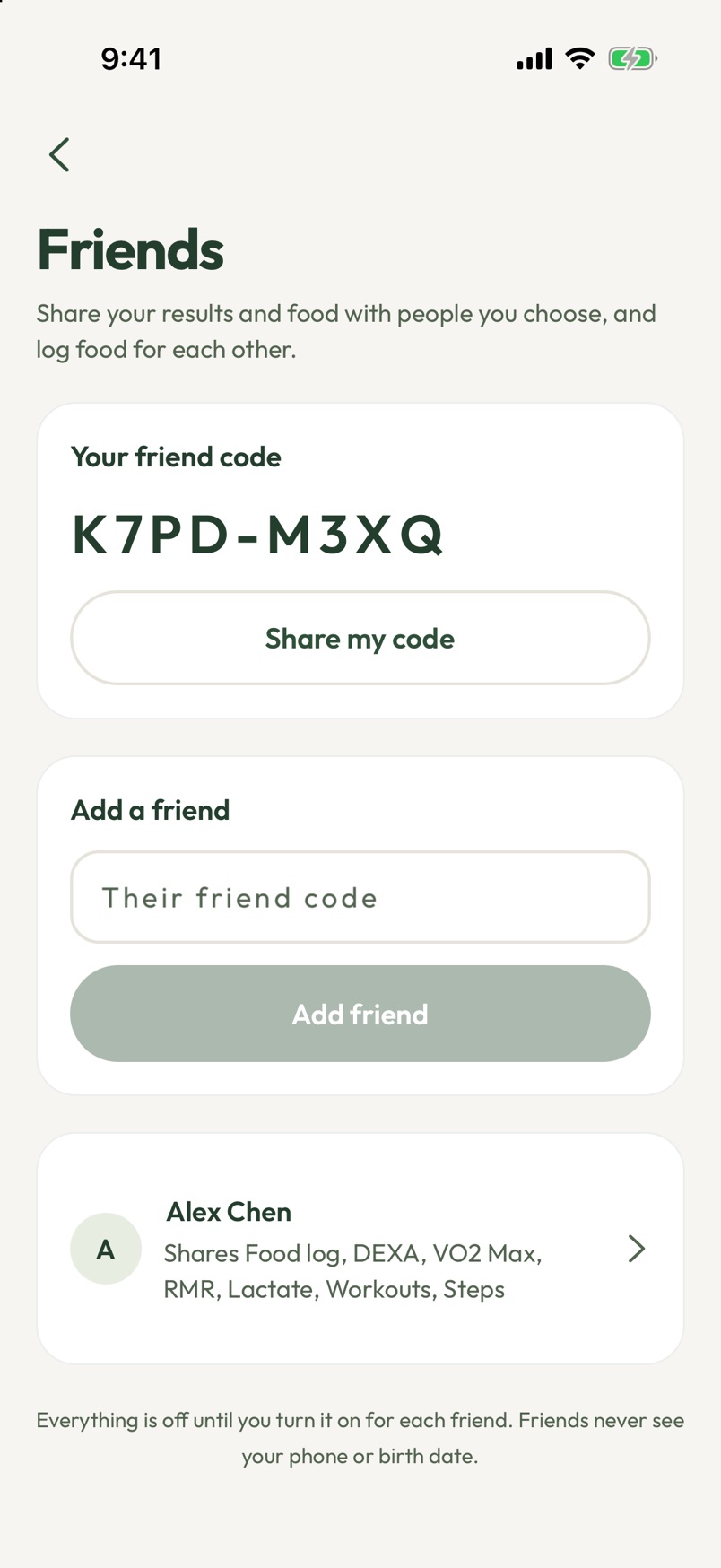
Add friends with a simple code and keep each other going, whether you're training for a race or just getting your steps in.
You choose what they see
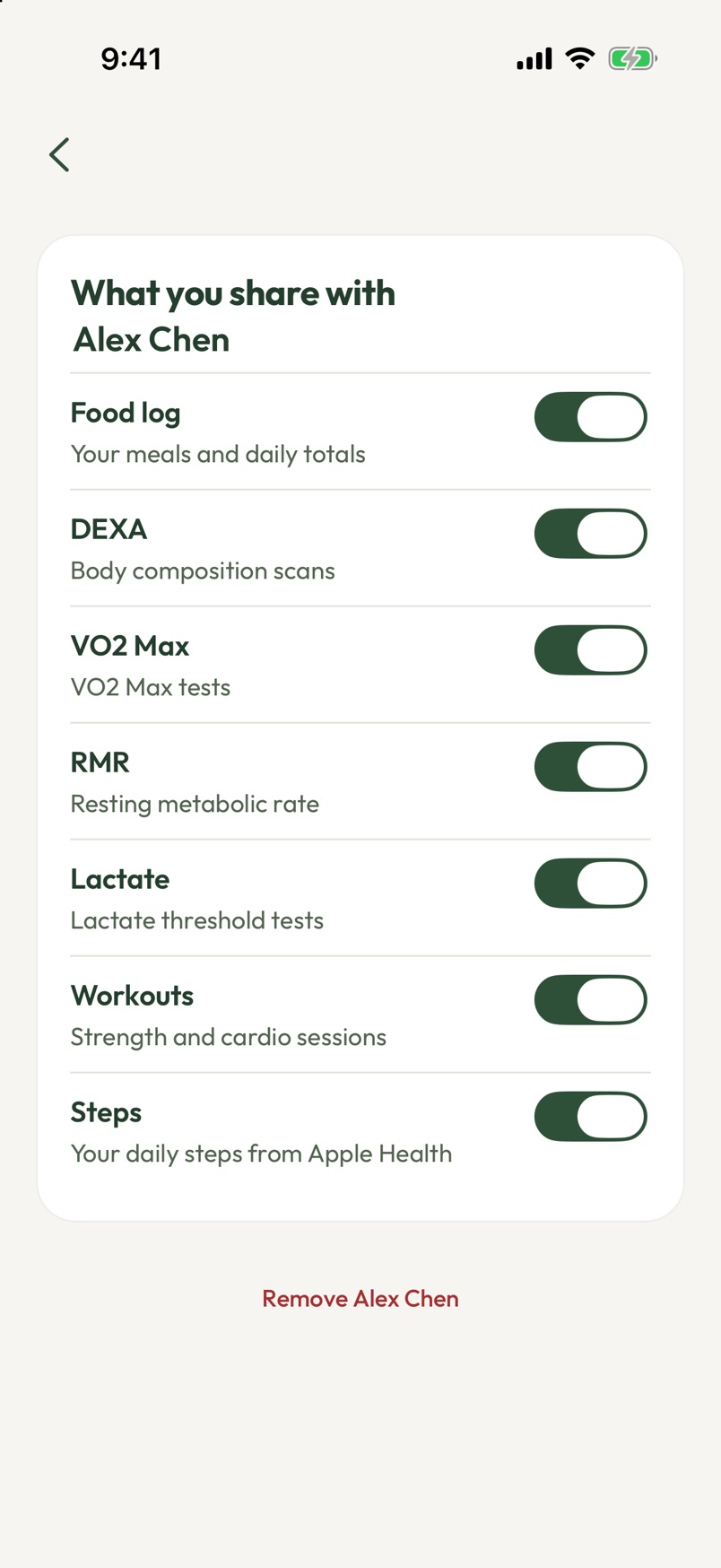
Share your food log, DEXA, VO2 Max, RMR, workouts or steps one switch at a time, friend by friend. Everything starts off private, and you can change it any time.
Keep up with your friends
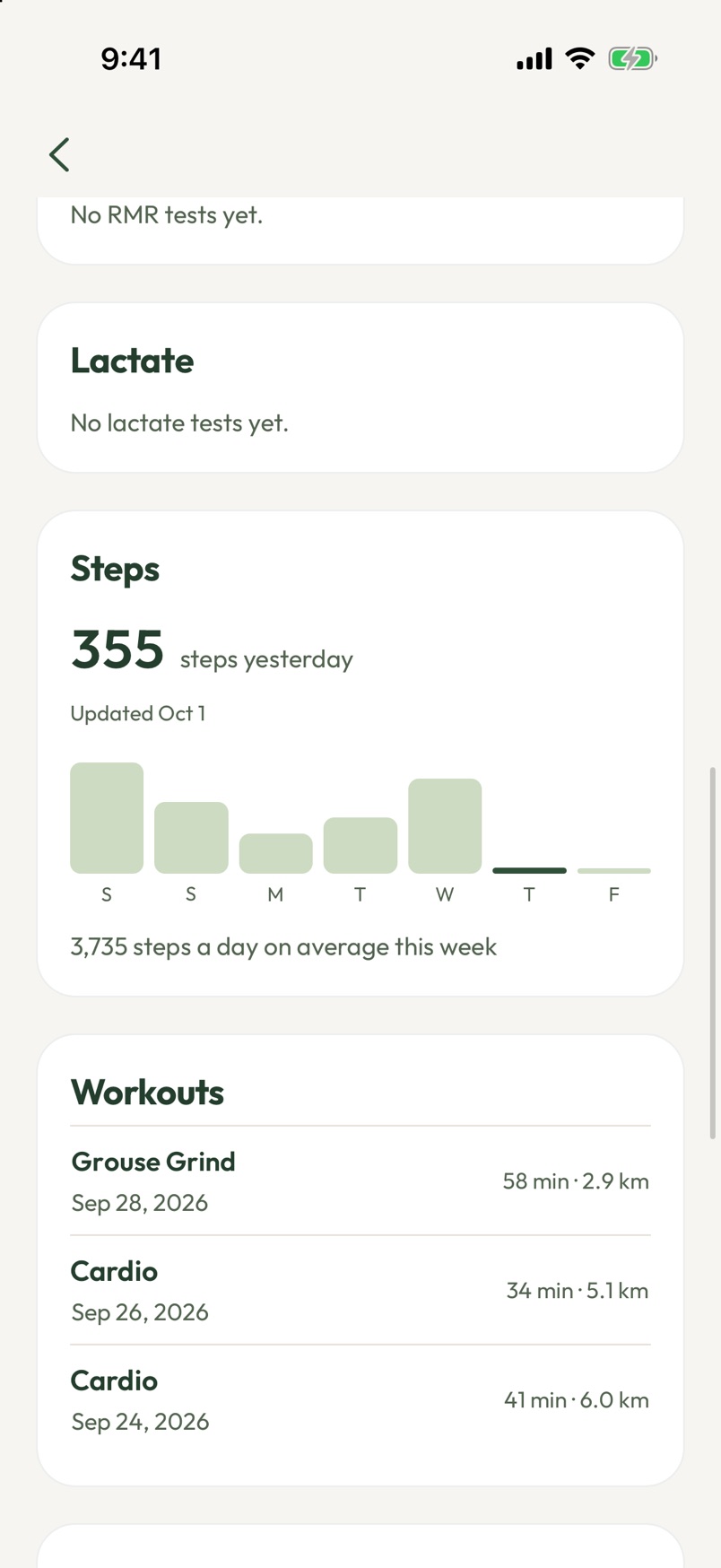
See the steps, workouts and results your friends choose to share, with a week of steps at a glance.
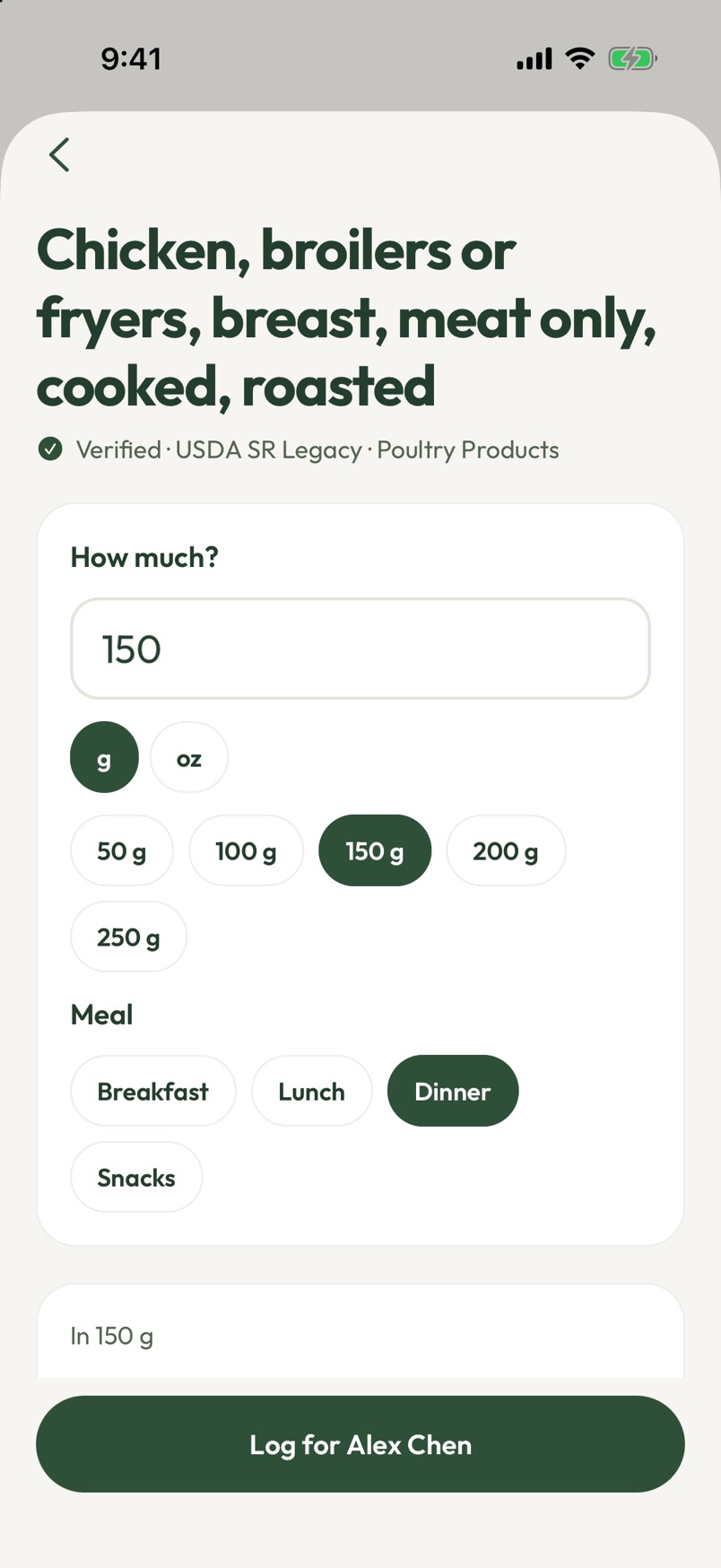
Log food for a friend
Cooked dinner for someone? Add the meal straight to their food log, so they don't have to.
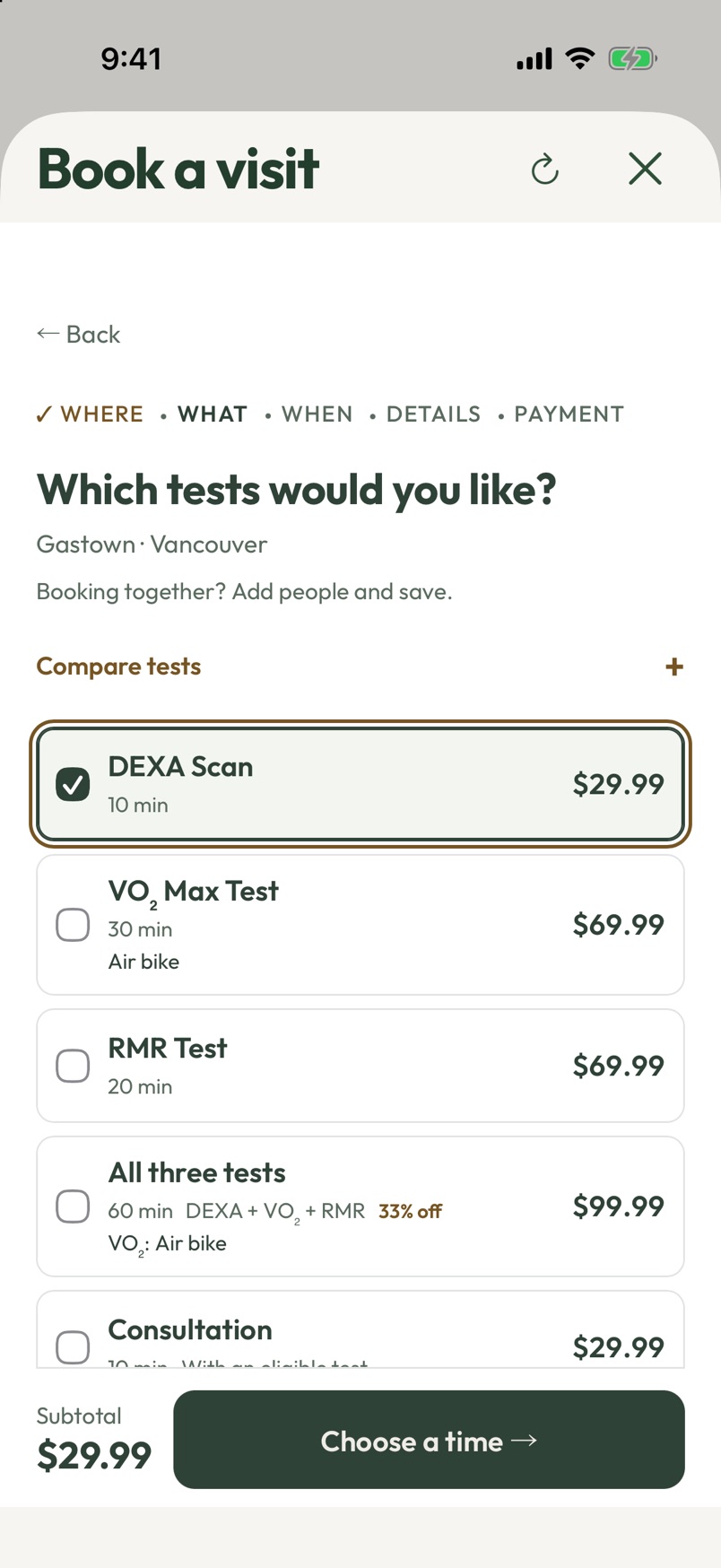
Book a test in a minute
Pick your location and tests with prices up front, and your details are already filled in.
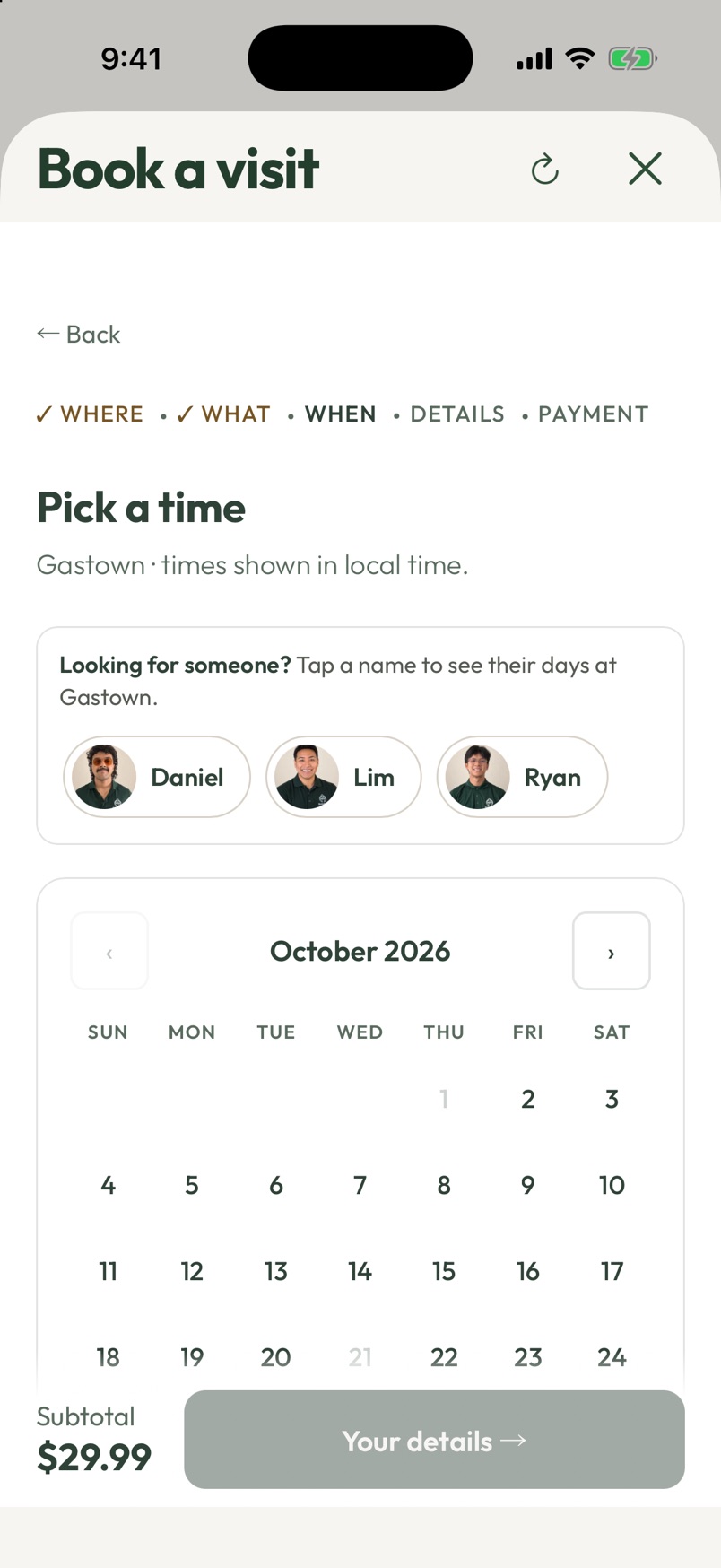
Pick a time, and who's in
See open times on a calendar, and tap a technician to see the days they're working.
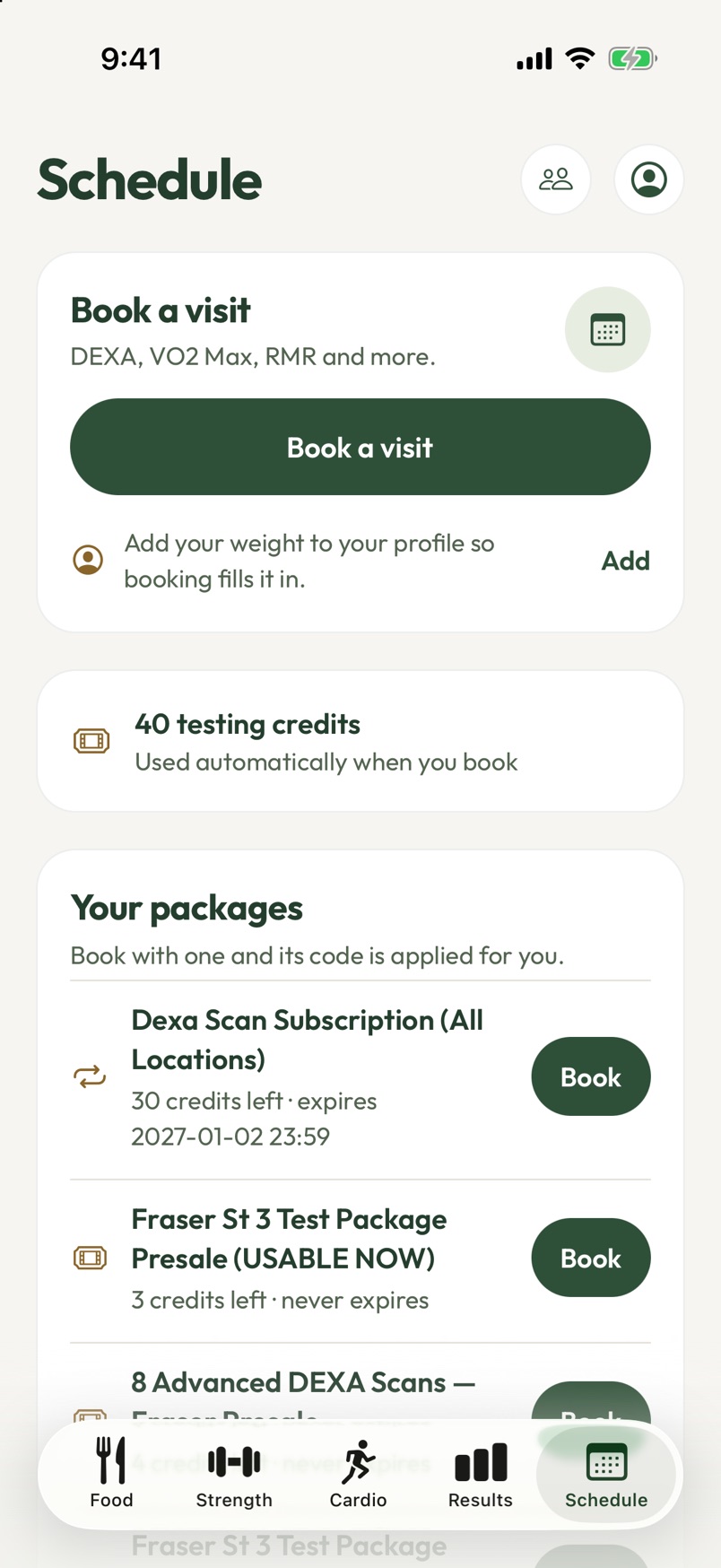
Your credits, ready to use
See the credits left on your packages and subscription, and book with them in one tap.
Install in a minute
On iPhone
- Install TestFlight from the App Store. It's Apple's free app for beta apps.
- On your iPhone, open the BodyStats beta link, tap Accept, then Install.
- Open BodyStats and sign in with the email you book with.
The 3D scan needs an iPhone Pro with LiDAR (12 Pro or newer).
On Android
- On your Android phone, open the BodyStats download page and tap Install.
- If your phone asks, allow your browser to install apps, then open the downloaded file.
- Open BodyStats and sign in with the email you book with.
Android is installed straight from us while we get it ready for Google Play.
Ideas or bugs? Tell us in the app under Account, then Suggestions & bugs, or contact us.